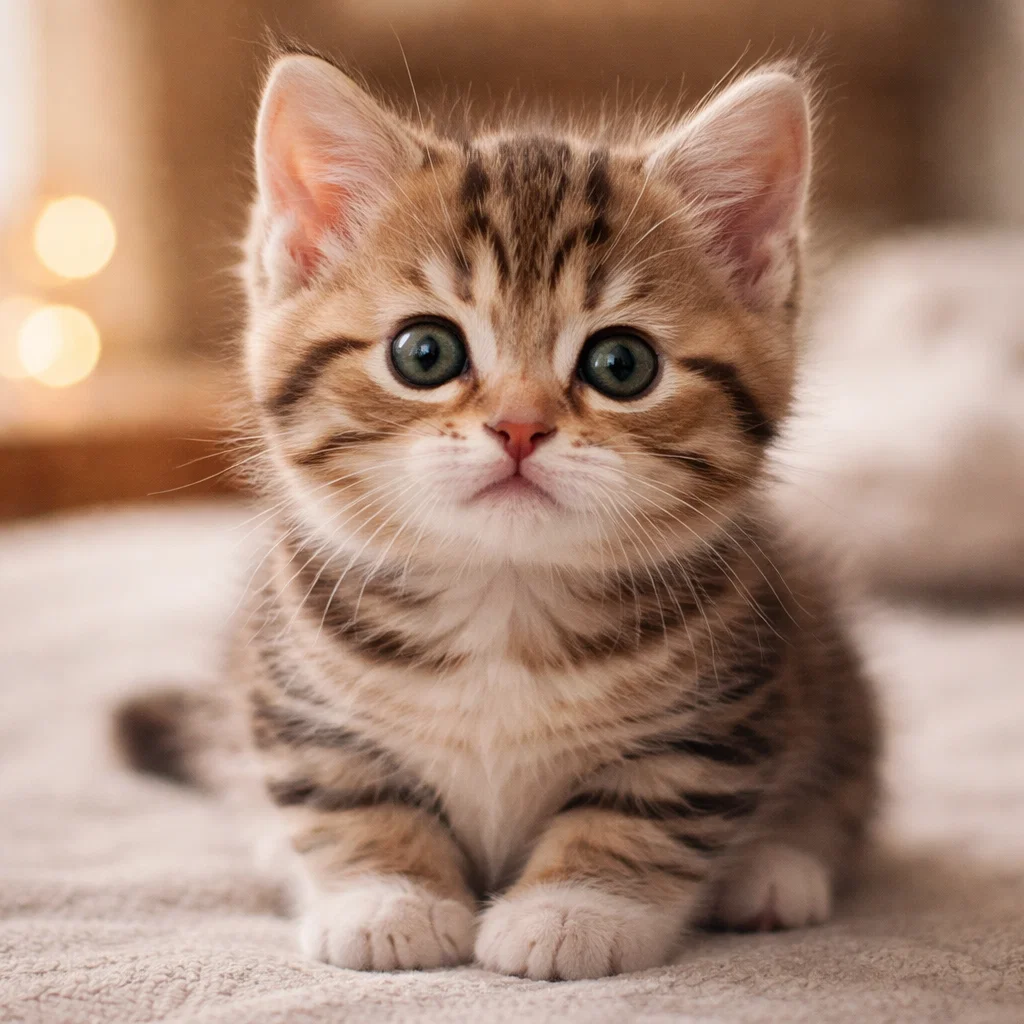
Created by @dmittiyx on Sora AI
Use the FIRST image as the MAIN BASE image. The first image defines the entire character: — costume — body — pose — background — lighting — color palette — atmosphere — style ❗️Do NOT change anything from the first image: — do not change the outfit — do not change the background — do not change the lighting — do not change the colors — do not change the style — do not change the body or proportions — do not add any new elements The SECOND image is the FACE / APPEARANCE reference. From the second image, take: — facial features — face shape — skin texture — eyes, nose, lips — expression — hair (if needed, adapt it naturally to the first image) Task: Carefully and realistically replace the face of the character in the first image with the face from the second image. The replacement must be: — perfectly matched to the head angle — consistent with the lighting and shadows of the first image — naturally blended with the skin tone — extremely realistic — seamless, with no visible editing The final result should look like the person from the second image was originally photographed as the character from the first image. Ultra-realistic. Photorealistic. No distortions. No plastic or AI-looking face. No cartoon style. No changes to the original character.
Explore more AI-generated masterpieces from our collection.